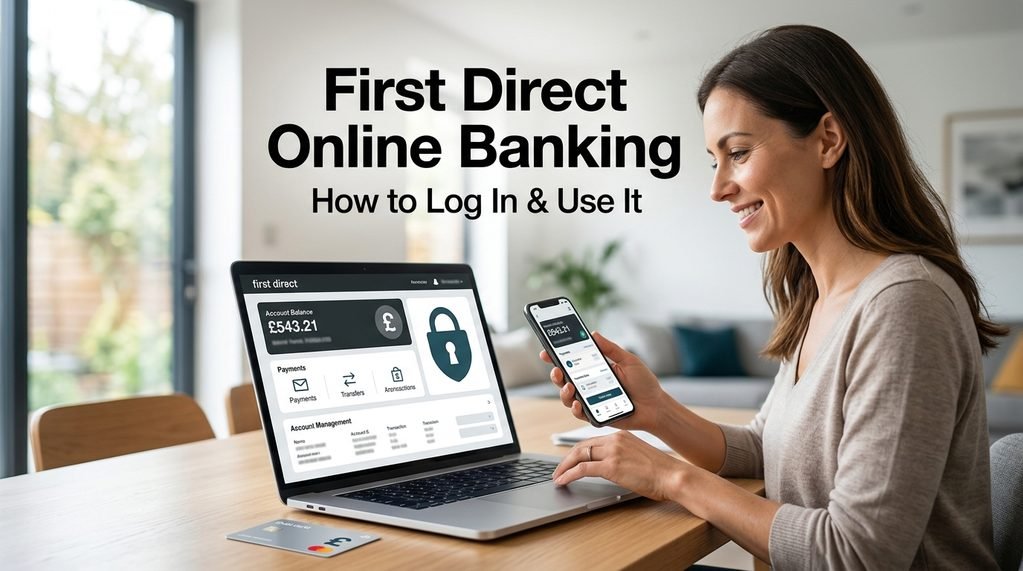
Managing your bank account online can save a lot of time. Instead of visiting a branch or making a phone call for every small task, you can check your balance, review transactions, make payments and download statements from your computer or phone.
First Direct online banking gives customers several ways to manage their money digitally. You can use the web-based Online Banking service on a computer, tablet or mobile browser, or use the first direct mobile app for everyday banking.
The right option depends on what you need to do.
This guide explains how online banking works, how to register, what you can do after logging in, how the mobile app compares with browser banking, and what to do if you forget your login details.
Important: Banking information and features can change. Always use the official first direct website or app when accessing your account, and never share passwords, security codes or one-time passcodes with anyone.
What Is First Direct Online Banking?
First Direct Online Banking is the bank’s browser-based digital banking service.
Customers can access it from a computer, tablet or smartphone using a supported internet browser. The service can be used for everyday tasks such as checking balances, viewing transactions, managing payments and downloading statements.
This means you don’t necessarily need to visit a branch every time you want to manage your account.
For example, if you want to check whether your salary has arrived, you can simply log in and look at your balance or recent transactions.
How to Register for Online Banking
If you’re a new customer or haven’t registered for digital banking yet, you’ll need to complete the registration process.
First Direct says you’ll need information such as your:
- Sort code and account number, or credit card number
- Telephone password
You can register through the mobile app or use the registration option through a browser.
Step-by-Step Registration
Step 1: Download the official app or visit the first direct website
Make sure you’re using the genuine first direct service.
Step 2: Select the registration option
Follow the instructions shown on screen.
Step 3: Provide the requested account information
You may need your sort code and account number or credit card number.
Step 4: Complete the security process
Follow the bank’s instructions to verify your identity.
Step 5: Set up your digital banking access
Once registration is completed, you can use your online or mobile banking service.
How to Log In
Once you’re registered, logging in is normally straightforward.
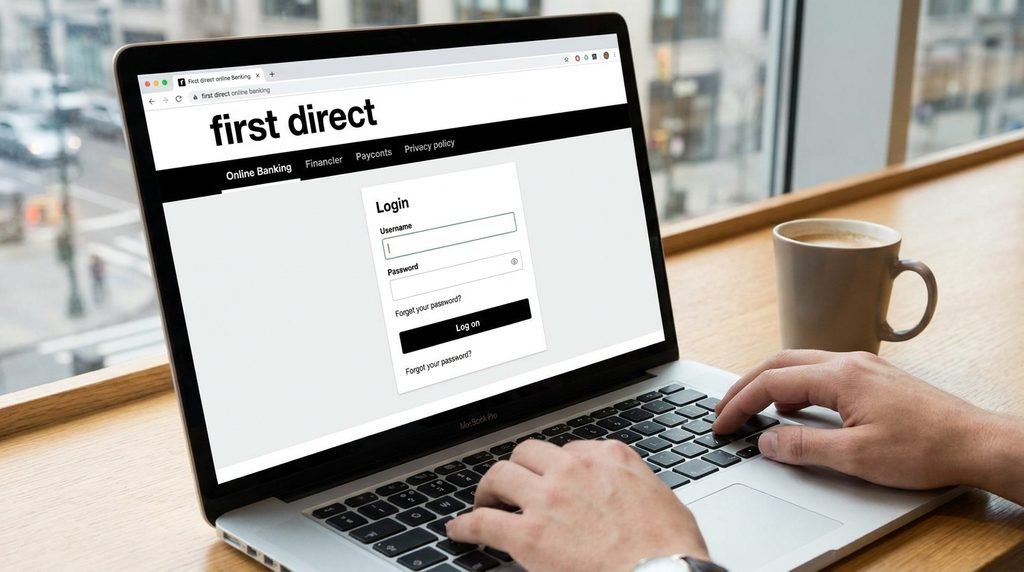
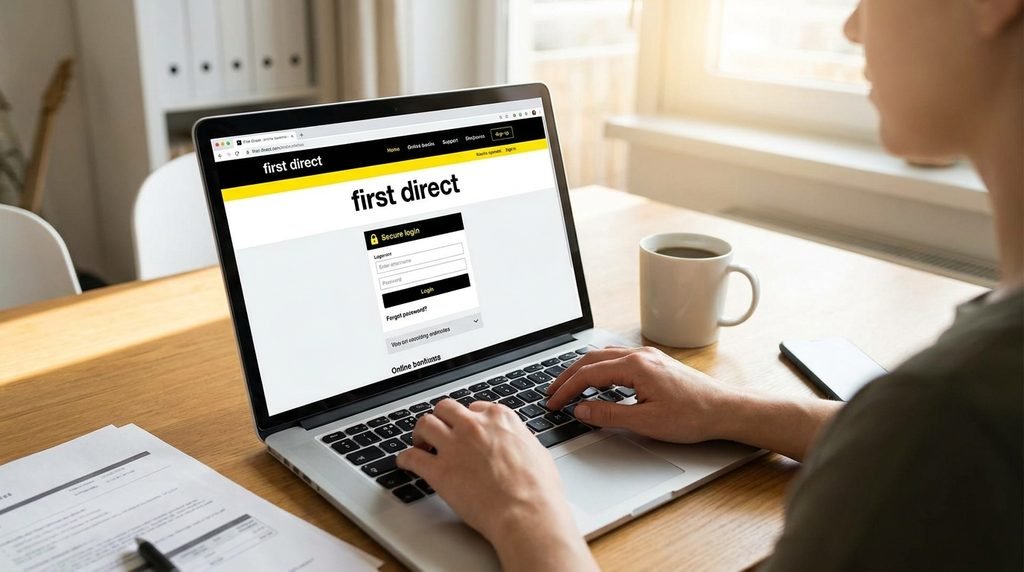
Step 1: Go to the Official Website
Open the official first direct website and select Online Banking.
Avoid logging in through unexpected links received in emails, texts or social media messages.
Step 2: Enter Your Username
Your username is the unique name you created when registering for Mobile or Online Banking. First Direct says it can contain between 5 and 76 upper- and lower-case letters and numbers.
Step 3: Complete the Security Check
Depending on your setup, you may need to use your Digital Secure Key or another security method.
Step 4: Access Your Account
After authentication is completed, you can access the features available through your account.
What Can You Do With Online Banking?
Online banking is useful for much more than simply checking your balance.
Here are some of the most common tasks.
1. Check Your Balance
You can quickly see how much money is available in your account.
This is useful before making a payment or checking whether an expected payment has arrived.
2. View Transactions
Your transaction history lets you see money coming into and leaving your account.
You can use it to check:
- Card purchases
- Direct Debits
- Transfers
- Payments
- Other account activity
If you notice something you don’t recognise, investigate it promptly.
3. Download Bank Statements
First Direct allows customers to view and download statements through Online Banking.
According to the bank, statements can be downloaded in PDF format, with up to six years of statements available once they are ready.
To Find a Statement Online
- Log in to Online Banking.
- Open the relevant account.
- Go to the transactions section.
- Select Statements.
- Choose the statement you need.
- Download it through your browser.
This can be useful when you need proof of transactions, records for budgeting or documents for financial administration.
4. Make Payments
You can use digital banking to send money to people or businesses.
When setting up a new payee, First Direct says you may need information including:
- Payee name
- Six-digit sort code
- Account number
- Account type
You may also need a payment reference.
How to Make a Payment
The exact screens can vary, but the general process is:
Log in → Choose Payments or Move Money → Select or add payee → Enter amount → Check details → Confirm
Take your time before confirming.
A small mistake in an account number or sort code can result in money being sent to the wrong account.
5. Transfer Money Between Your Accounts
If you have more than one first direct account, you can transfer money between eligible accounts through digital banking.
This can be useful when moving money into savings or managing your spending account.
6. Manage Regular Payments
You can manage certain regular payments such as:
- Direct Debits
- Standing orders
- Subscriptions
The available options depend on the service and account you’re using.
First Direct Mobile App vs Online Banking
First Direct offers both browser-based Online Banking and a mobile app.
Both can be useful, but the app offers some features that are particularly convenient when you’re using a smartphone.
| Feature | Mobile App | Online Banking |
|---|---|---|
| Check balance | Yes | Yes |
| View transactions | Yes | Yes |
| Pay friends and family | Yes | Yes |
| Pay companies | Yes | Yes |
| Transfer between first direct accounts | Yes | Yes |
| Download statements | Yes | Yes |
| International payments | Yes | Yes |
| Pay in a cheque | Yes | No |
| Real-time spending notifications | Yes | No |
First Direct notes that feature availability can vary, and the table represents common functions rather than every possible action.
Which One Should You Use?
Use Online Banking when you’re working on a computer and want a larger screen for reviewing transactions or managing your finances.
The mobile app can be more convenient for everyday banking while you’re away from your computer.
You don’t necessarily have to choose one.
Registered customers can use digital banking through their computer, tablet or mobile device.
How to Recover a Forgotten Username
Forgetting your username doesn’t necessarily mean you’re locked out permanently.
First Direct provides an online recovery process.
From the Online Banking log-on screen, select “Forgotten your username?”
You may then be asked to confirm your identity using information such as your sort code and account number or credit card number. Once verified, the username can be displayed on screen.
What If You Forget Your Password?
If you’ve forgotten your password, use First Direct’s official digital banking help process.
Don’t try random passwords repeatedly if you’re unsure.
Also avoid asking someone else to recover your banking access for you.
Never provide your password to a person who contacts you unexpectedly.
What If Online Banking Isn’t Working?
Sometimes a login problem is caused by something other than your account.
Try these steps:
1. Check Your Internet Connection
Make sure your device is connected properly.
2. Check Your Browser
First Direct recommends using a supported browser. Its current online banking information lists supported versions of Chrome, Edge, Firefox and Safari.
3. Try Again
A temporary technical problem may resolve itself.
4. Try the App
If you’re having difficulty through a browser, the mobile app may provide another way to access your account, provided you are already set up for it.
5. Use Official Help
If the problem continues, use First Direct’s official help or support service.
What Is a Digital Secure Key?
The Digital Secure Key is part of First Direct’s security system.
It helps confirm that the person accessing the account is authorised to do so.
First Direct says its app uses two-factor authentication. This involves the device and another security element, such as a Digital Secure Key PIN or biometric authentication, depending on the setup.
The system can generate a unique code for authentication.
This adds another layer of protection beyond simply entering a username and password.
Can You Use Face ID or Fingerprint Login?
On compatible devices, First Direct supports biometric login features such as Face ID and Touch ID.
The exact setup depends on your device and the current version of the app.
First Direct says compatible Apple devices can use Touch ID or Face ID alongside the Digital Secure Key setup.
Biometric login can make accessing the app quicker while adding another security layer.
How to Make a Payment Safely
Digital payments are convenient, but you should always check the information before confirming a transaction.
Step 1: Check the Payee
Make sure you’re paying the correct person or business.
Step 2: Check the Account Number
Review the account details carefully.
Step 3: Check the Amount
Make sure you haven’t accidentally added an extra zero or entered the wrong amount.
Step 4: Check the Reference
If you’re paying a company, make sure the reference is correct.
Step 5: Review Confirmation Information
First Direct uses Confirmation of Payee as an additional security step to help ensure money is being sent to the correct account.
If the details don’t match, stop and check with the intended recipient before continuing.
How Secure Is First Direct Online Banking?
Security is an important part of digital banking.
First Direct says it uses a combination of Secure Key technology and software encryption to protect accounts and personal information.
The bank also uses measures such as:
- Two-factor authentication
- Fraud monitoring
- Transaction checks
- One-time passcodes
- Secure sessions
- Digital Secure Key technology
However, customers also have an important role in protecting their accounts.
Never Share One-Time Passcodes
A one-time passcode should be treated as private security information.
First Direct specifically warns customers not to share one-time passcodes with anyone.
If someone calls claiming to be from the bank and asks for a security code, don’t automatically trust them.
Stop and verify the request using an official contact method.
How to Spot a Fake Banking Website
Scammers can create websites that look similar to genuine banking pages.
Watch for:
- Unusual website addresses
- Spelling mistakes
- Unexpected pop-ups
- Pressure to act immediately
- Suspicious emails
- Unusual requests for security information
- Links that don’t lead to the official bank website
The safest approach is to type the official website address yourself or use a trusted bookmark.
Don’t rely on an unexpected link sent through an email or text.
What If You Think Your Details Have Been Stolen?
Act quickly.
Step 1: Stop Using the Suspicious Website
Don’t enter any more information.
Step 2: Contact First Direct
Use an official contact method and explain what happened.
Step 3: Follow the Bank’s Instructions
The bank can advise you on the appropriate next steps.
Step 4: Monitor Your Account
Check your transactions for anything you don’t recognise.
First Direct provides dedicated fraud and security guidance for customers who are concerned about scams or financial crime.
What If an Online Card Payment Is Declined?
An online card payment may sometimes require additional verification.
First Direct says customers may be asked to confirm a card payment in the app or enter a one-time passcode.
If a payment is repeatedly declined, check whether the merchant supports the required security process and use First Direct’s official support options if you still can’t complete the payment.
Don’t keep attempting a transaction if you suspect something is wrong.
Can You Pay in a Cheque Through the App?
Yes, First Direct provides a cheque deposit feature through its mobile app for eligible accounts.
The process involves:
- Open the app.
- Go to your account balance.
- Select the three dots beside the account.
- Choose Pay in a cheque.
- Enter the amount.
- Capture an image of the cheque using your phone.
First Direct provides specific eligibility and value-limit information, so check its latest guidance before using the feature.
Is Online Banking Available 24/7?
First Direct lists both Online Banking and Mobile Banking as available 24 hours a day, Monday to Sunday, although individual services and maintenance periods can affect availability.
This means digital banking can be particularly convenient for customers who don’t want to rely on traditional branch opening hours.
Frequently Asked Questions
What is First Direct online banking?
It is First Direct’s browser-based banking service that allows customers to manage their accounts digitally.
How do I log in?
Visit the official First Direct website, select Online Banking and enter your registered login information. Additional security verification may be required.
Can I use First Direct online banking on my phone?
Yes. You can access Online Banking through a mobile browser, and First Direct also offers a dedicated mobile app.
What can I do through online banking?
You can check balances, view transactions, manage payments, transfer money, manage certain regular payments and download statements.
How do I find my bank statements?
In Online Banking, select the relevant account, go to the transactions area and select Statements. You can then choose and download the statement you need.
What should I do if I forget my username?
Select “Forgotten your username?” from the Online Banking log-on screen and follow the official recovery process.
Is the First Direct app secure?
First Direct says the app uses two-factor authentication and Digital Secure Key technology to help protect customers.
Should I share my security code with First Direct?
No. Keep one-time passcodes and other security information private. First Direct says it will never ask you to share your one-time passcode.
Final Thoughts
First Direct online banking gives customers a convenient way to manage everyday finances without needing to visit a branch.
Whether you’re checking a balance, downloading a statement, transferring money, setting up regular payments or reviewing transactions, many routine tasks can be completed digitally.
The mobile app adds another convenient option, particularly for customers who prefer to manage their money from a smartphone.
The most important thing is to use the official First Direct website or app and take security seriously. Keep your login details private, check payment information carefully and never share one-time passcodes with someone who contacts you unexpectedly.
If you forget your username or have trouble accessing your account, use the bank’s official recovery and support tools rather than relying on unofficial websites.
With those precautions, digital banking can make everyday money management much simpler.